
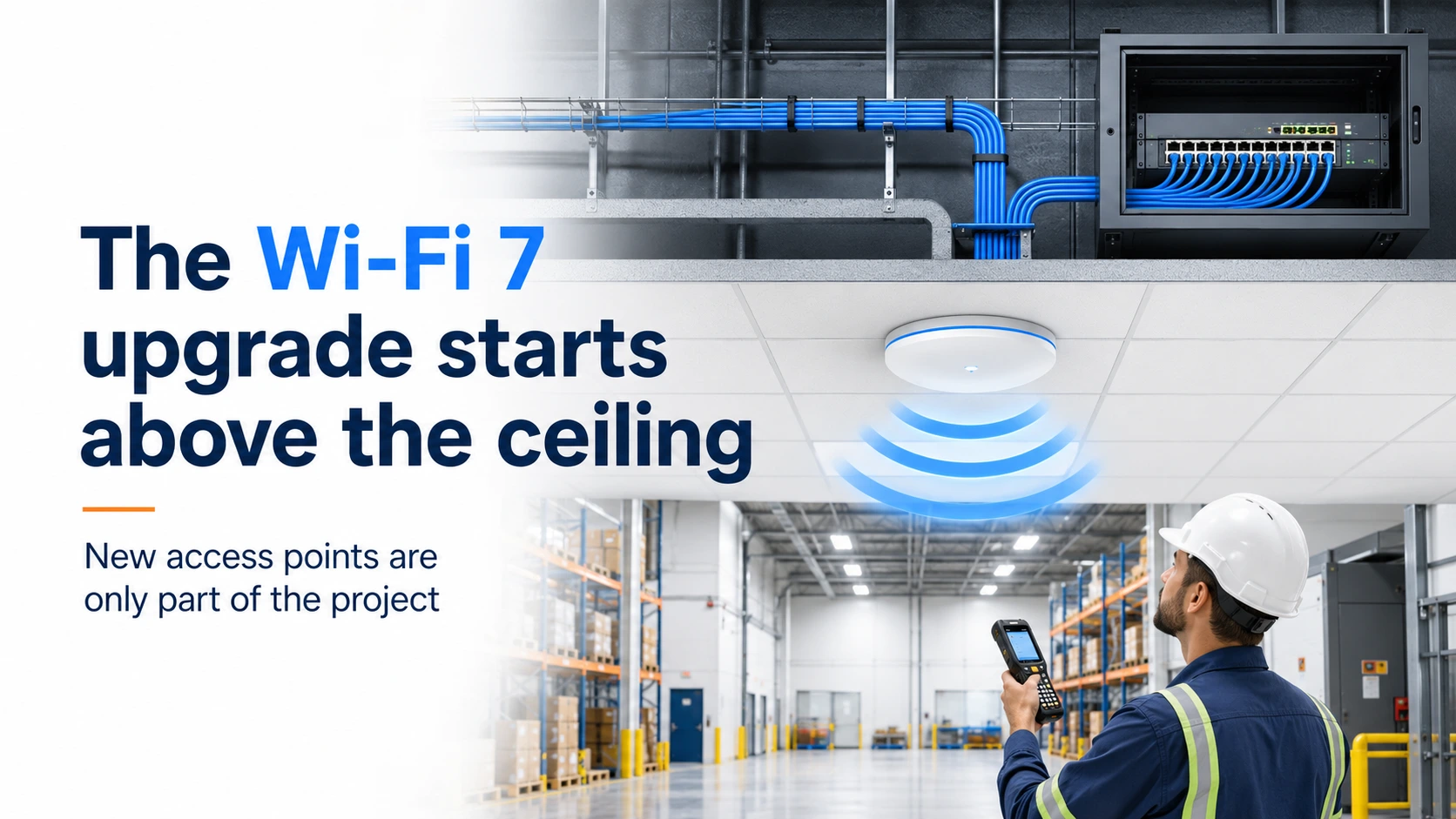
Your customers are looking forward to the promise of faster, more reliable performance with Wi-Fi 7…but a bunch of new access points alone won’t cut it. The real upgrade starts with cabling, power, switching and a fresh look at the layout.
Wi-Fi 7 needs more than new access points
A warehouse employee scans a pallet, heads to the next aisle and suddenly loses the connection.
The scanner stalls. The workflow pauses. Maybe they wait for it to reconnect. Maybe they have to scan everything again.
It feels like a small Wi-Fi issue, but across a busy facility with a dozen workers and signal dropping left and right, those interruptions add up fast.
Customers planning a move to Wi-Fi 7 are often trying to eliminate problems like this while supporting more devices, faster applications and smoother movement throughout a building or campus.
But installing newer access points in the same old locations might not be the whole solution.
Key takeaways
- Start with the wired network. Wi-Fi 7 still depends on cabling, switching, power and pathways.
- Reassess AP placement and density. The old layout may have been built for coverage, not capacity and roaming.
- Ask what the building needs Wi-Fi to support. Focus on its users, devices, workflows and performance demands.
The wireless upgrade that starts with wires
“Wireless” is, of course, a misleading word.
Every enterprise access point still depends on a physical cable, a switch port, PoE and a pathway back to the network.
That means a customer asking about Wi-Fi 7 is really talking about:
- Existing AP drops being tested
- New Category 6A runs
- Multigigabit switch ports
- More PoE capacity
- Additional or relocated AP locations
The access point is the visible part of the upgrade. The infrastructure underneath determines how much of that upgrade your customer actually gets to use.
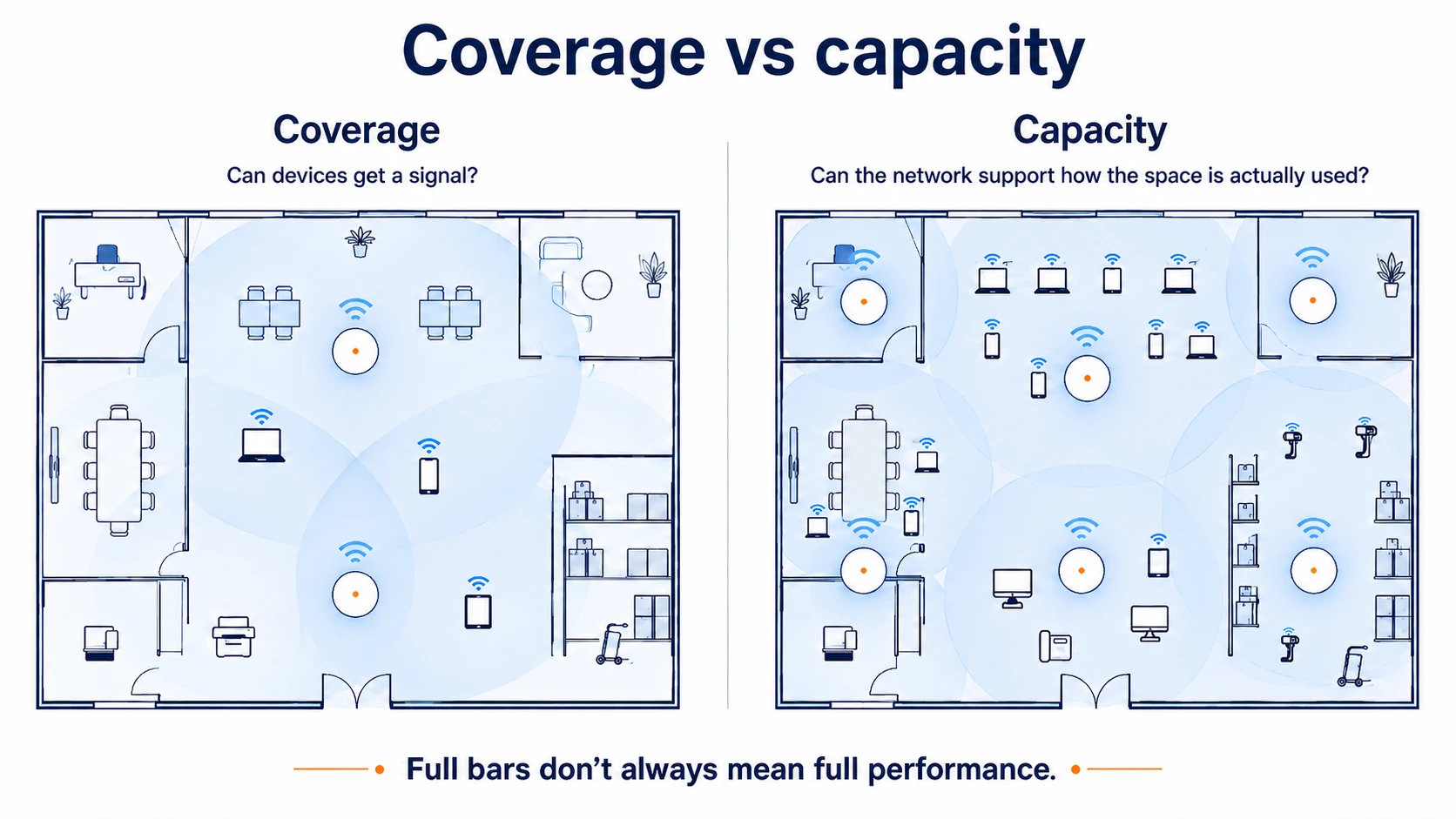
Was the existing Wi-Fi designed for coverage or capacity?
Many older wireless networks were planned around one basic goal:
Make sure people can get a signal throughout the building.
That’s coverage.
Capacity is different. It asks whether the network can support the number of users, devices and applications relying on it at the same time.
A system that technically covers a warehouse, hospital, office or school can still struggle with scanners, video calls, tablets, mobile workstations and other real-time applications.
The question to ask is:
Was the network designed to put just signal everywhere or to support how the space is actually used today?
A packed conference room has different needs than an empty hallway. A warehouse aisle full of scanners and moving equipment has different needs than a low-traffic storage area.
New access points may need a new layout
That said, Wi-Fi 7 doesn’t automatically mean every facility needs more access points.
It does mean those current AP locations need review.
Because of the hyper-connected, device-heavy times we’re in, newer wireless designs need to account for:
- High concentrations of devices
- Walls, racks and building materials
- High-demand rooms and work areas
- Reliable handoffs as people and equipment move
- Greater use of the 6 gigahertz band
Let’s go back to our warehouse employee.
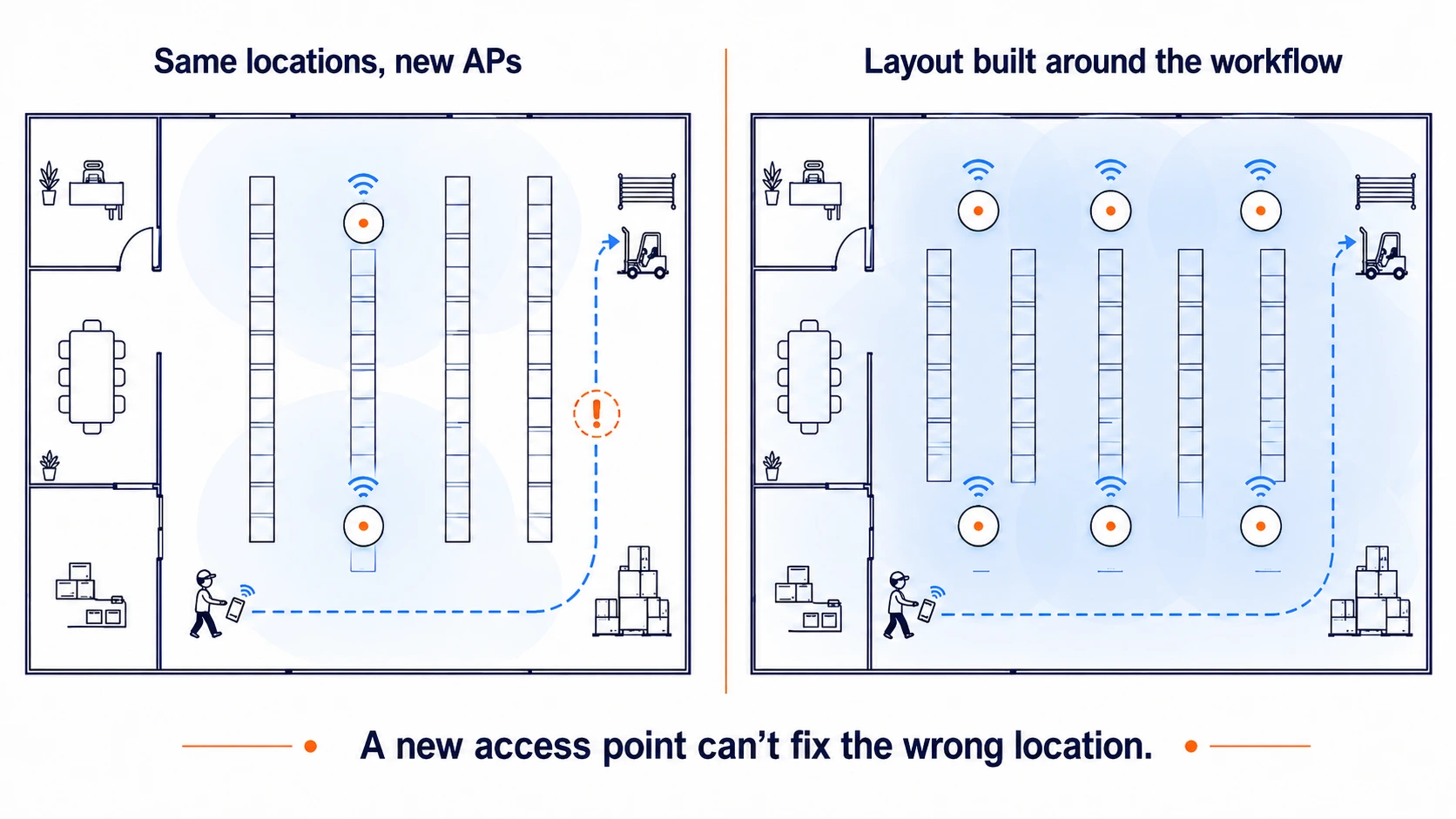
They’re on the same network while moving between aisles, but their scanner is still shifting from one access point to another. If that handoff isn’t smooth, the work stalls.
The issue isn’t necessarily just old equipment. It could be that the AP locations no longer match how the facility operates.
A one-for-one replacement can’t solve a layout problem.
Check the cable, switch and power together
Existing Category 5e or Category 6 cabling can support part of the upgrade…in theory. That doesn’t mean every existing cable run should automatically be trusted.
Start by asking:
- What cable currently feeds the APs?
- Have those links been tested?
- What speed can they support?
- Can the switches provide the required speed and power?
- Are pathways available if APs need to move?
For new enterprise cabling, Category 6A is the practical baseline conversation. It supports higher speeds across the full channel and gives the customer more flexibility for future APs.
The switch matters too. An access point can turn on with limited power without delivering every radio, port or feature the customer expects.
A better question than “Will it work?” is:
Will the existing infrastructure let the new AP deliver everything the customer is paying for?
What to ask before you quote
Before replacing the same number of APs in the same locations, find out:
- What’s driving the upgrade?
- Where are users experiencing problems?
- Was the old layout designed for coverage or capacity?
- Are connections dropping as devices move?
- Can the current cabling, switches and power support the new APs?
- Will any APs need to be added or relocated?
Those questions change the conversation from “Which access points do you want?” to:
What does this building need the wireless network to do?
And that talk can turn into an entirely different quote because the goal isn’t just to add more access points. It’s to place them so coverage overlaps where needed, especially along the paths people and devices actually travel.
Capital Electric can help you review the cabling and infrastructure side of a Wi-Fi 7 refresh before the new access points go in.
Call 262-788-9700 or email sales@capital-electric.com.