

More than a place to plug things in
You’ve got a rack to outfit and a list of equipment that needs power. Just grab the cheapest Power Distribution Unit (PDU) and move on. Easy enough, right?
Not necessarily.
Eaton’s Tripp Lite series ranges from basic rack-mounted power distribution to intelligent PDUs that monitor power consumption, send alerts and let you control connected equipment remotely.
The trick is knowing which features your customer actually needs…and which ones they don’t.
Key takeaways
- Power distribution is just the starting point. Basic PDUs handle the essentials, while metered models add visibility into power consumption.
- More advanced models offer greater control. Monitored PDUs provide remote visibility and alerts, while switched models add remote outlet control.
- The right PDU depends on the job. Consider your customer’s power requirements, installation environment and how their IT team will manage the equipment.
Which PDU is right for the rack?
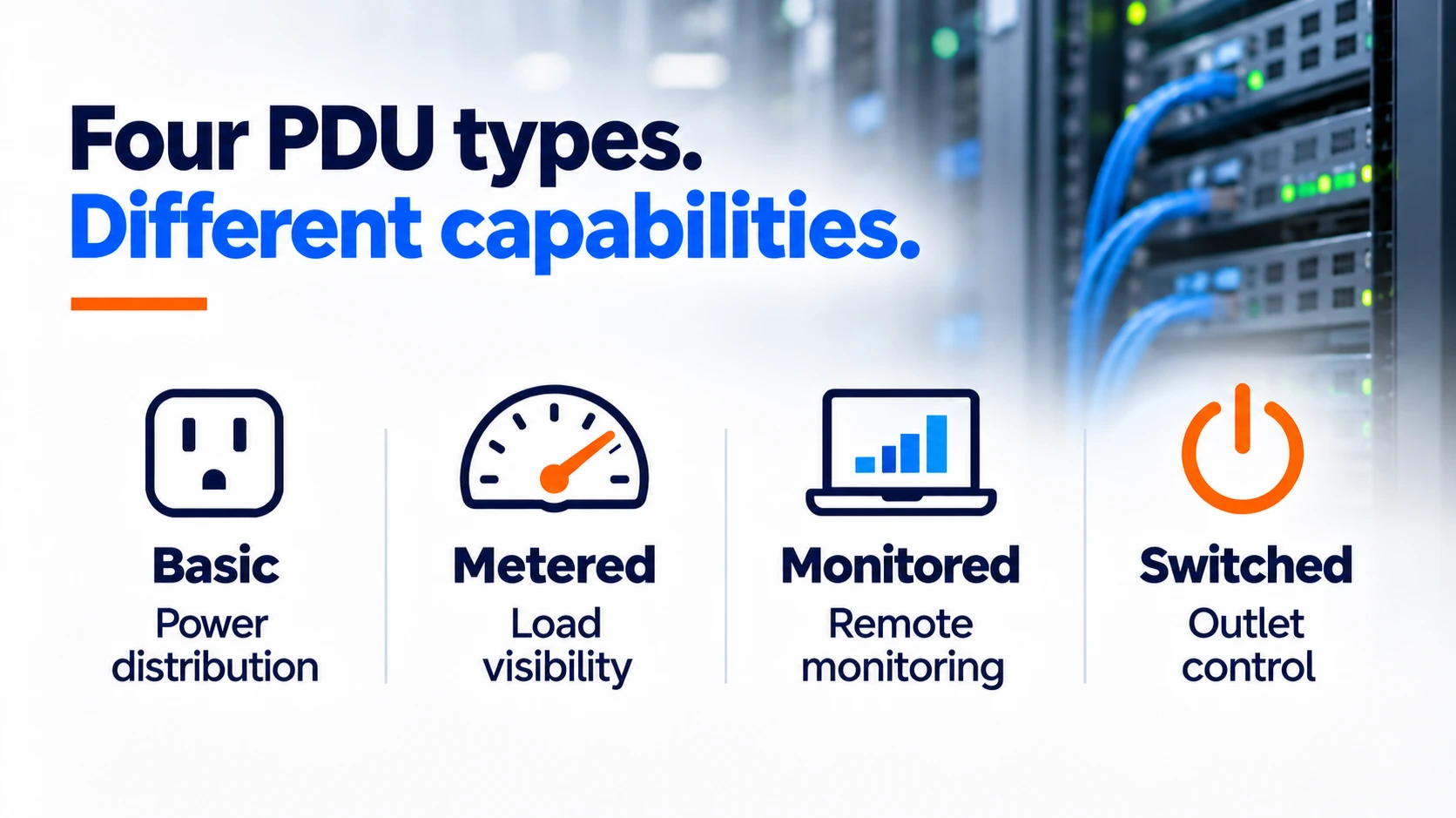
Not every installation needs remote outlet control. Here’s how the main categories stack up:
- Basic PDUs: Distribute power to rack equipment. Ideal when straightforward power distribution is all you need.
- Metered PDUs: Measure power consumption to help technicians track loads and know when a circuit is approaching capacity.
- Monitored PDUs: Provide network-based power monitoring and alerts, giving IT teams visibility without being physically present.
- Switched PDUs: Add remote outlet control, allowing administrators to power-cycle connected equipment.
For a small network closet with someone regularly on-site, a basic or metered PDU may be enough.
For racks distributed across offices, warehouses or remote locations – typical with campus and enterprise customers – monitoring and remote control can be more valuable. They certainly increase peace of mind.
The goal isn’t to deliver the PDU with the longest feature list. It’s to choose one that matches how your customer will actually manage their equipment.
Need help narrowing down the options?
Explore Eaton’s rack PDU buying guide for a closer look at the different types, features and configurations.
Real-world example: Restart equipment without going to the rack
A network device at a remote location stops responding. It’s still receiving power, but you can’t communicate with it.
With a switched PDU, for example, you can restart it without sending someone to the site.
Switched PDUs let authorized IT personnel remotely power-cycle individual outlets, turning connected equipment off and on without interrupting everything else in the rack. Some models can also automatically restart devices when they stop responding.
This requires the PDU’s management interface to remain accessible and it won’t fix every problem. But when a restart is all that’s needed, it’s a useful option to have.
Spot problems before equipment goes down
Remote restarts are useful, but intelligent PDUs can also help you identify potential problems earlier.
Supported models monitor power usage and send alerts when readings exceed configured thresholds. That can help IT teams investigate unusual loads or changing conditions before they cause bigger issues.
Certain Eaton Tripp Lite series PDUs also support optional environmental sensors for temperature, humidity and water detection.
A rising rack temperature could indicate a cooling problem. An unexpected increase in power consumption might signal equipment that needs attention.
These features won’t eliminate downtime, but they provide information that might otherwise go unnoticed.
Get the right PDU for the job
Choosing a PDU involves more than counting outlets. Voltage, amperage, rack space, power connections and management requirements all affect the decision.
Capital Electric can help you navigate Eaton’s Tripp Lite series PDU options and find the right fit for your customer’s power needs, installation environment and budget.
Whether you’re outfitting a single network closet or specifying power distribution across an entire campus, we’ll help you get the right equipment for the job.
Call 262-788-9700 or email sales@capital-electric.com